 English
 Your website gets traffic. But visitors aren't becoming customers.
You've invested in design, maybe even paid for ads to drive traffic, but your conversion rate sits stubbornly low. The problem isn't your product or service: it's how your website guides (or fails to guide) visitors toward taking action.
Most small business websites make the same critical mistakes that kill conversions. The good news? These issues are fixable, and the solutions don't require a complete redesign or a massive budget.
Why Small Business Websites Fail to Convert
Before we get to the fixes, let's identify what's actually broken.
Visitors don't know what to do next. When someone lands on your homepage, they should immediately understand where to go and what action to take. If they spend more than a few seconds figuring out navigation or hunting for information, they'll leave. Confusion creates friction, and friction kills conversions.
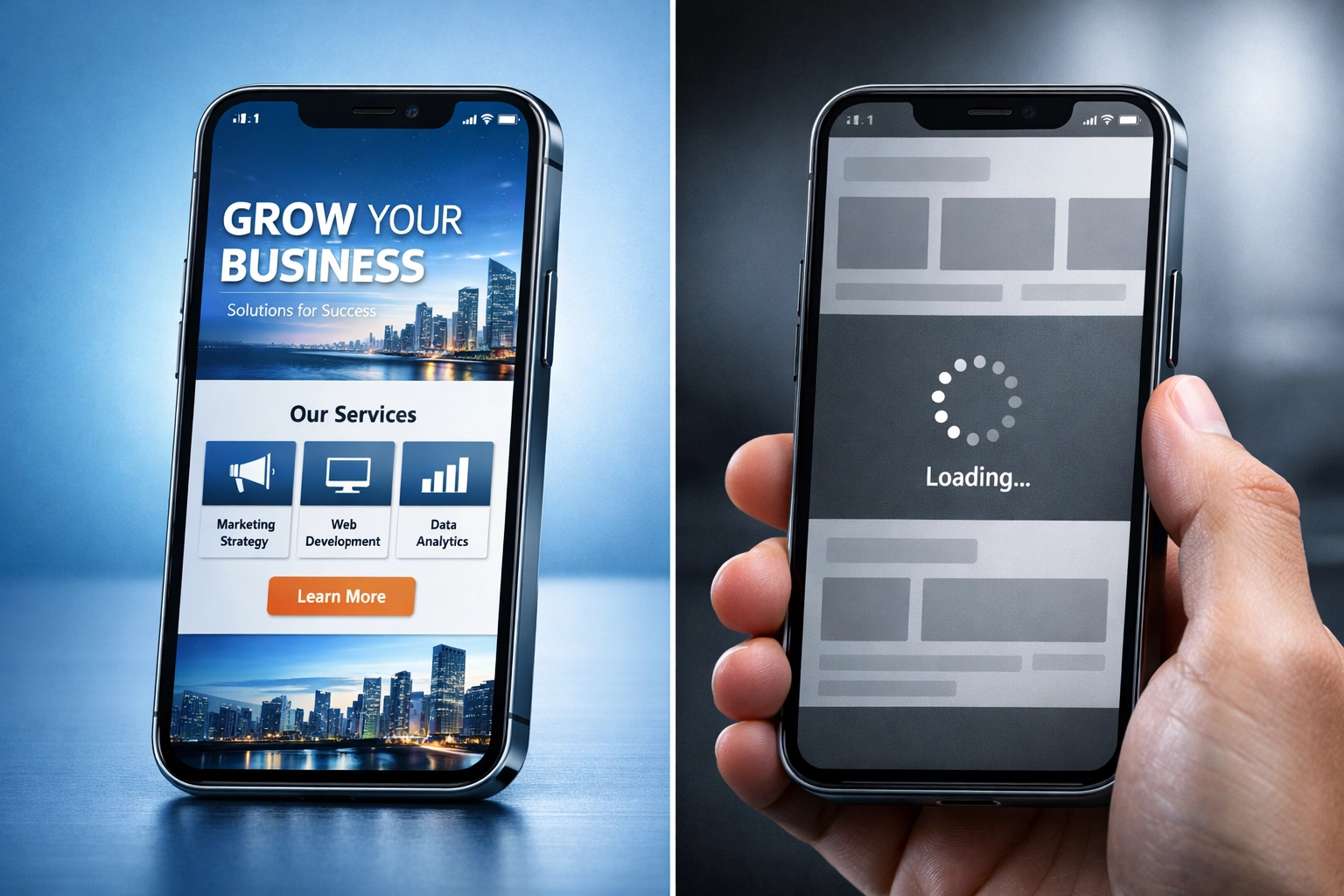
Your site loads too slowly. Page speed directly impacts whether visitors stick around. Research shows that even a one-second delay in load time can significantly increase bounce rates. If your site takes more than three seconds to load, you're losing potential customers before they even see your content.

Mobile users have a terrible experience. Over half of web traffic now comes from mobile devices. If your site isn't optimized for smaller screens: if buttons are too small, text is hard to read, or pages don't load properly: you're turning away a massive portion of your audience.
Your calls-to-action are weak or invisible. CTAs that blend into the page, use vague language like "Learn More," or appear in unexpected places don't convert. Visitors need clear, compelling instructions that stand out visually and tell them exactly what happens when they click.
You haven't built trust. People don't buy from businesses they don't trust. If your website lacks social proof: customer reviews, testimonials, case studies, or trust badges: visitors will hesitate. Without these signals, you're asking people to take a leap of faith, and most won't.
Fix #1: Speed Up Your Website
Site speed isn't just a technical nicety: it's a conversion factor.
Start by testing your current load time using Google's PageSpeed Insights. This free tool analyzes your site and provides specific recommendations for improvement.
Common speed issues include:
- Unoptimized images (large file sizes)
- Too many plugins or scripts
- Slow server response times
- Lack of browser caching
- Unminified CSS and JavaScript files
Most small business websites can improve load times by compressing images, enabling caching, and choosing better hosting. If your site is built on WordPress, consider a caching plugin and image optimization tool.
The goal: Get your homepage to load in under two seconds on desktop and three seconds on mobile.
Fix #2: Optimize for Mobile Devices
Mobile optimization goes beyond responsive design. Your site needs to function seamlessly on smaller screens.
Check these elements:
- Touch targets: Buttons and links should be large enough to tap easily without accidentally hitting adjacent elements
- Font size: Text should be readable without zooming
- Form fields: Make them large enough to type in comfortably
- Pop-ups: Ensure they don't cover the entire screen or become impossible to close
- Navigation: Simplify menus for mobile users
Test your site on actual mobile devices, not just by resizing your browser window. Better yet, ask friends or customers to try completing a purchase or filling out a contact form on their phones and report any issues.
If your site requires constant pinching, zooming, or horizontal scrolling on mobile, it's time for a rebuild focused on mobile-first design. PulsebitAI's website development services prioritize mobile optimization from the ground up.
Fix #3: Create Clear, Compelling Calls-to-Action
Your CTAs should be impossible to miss and leave no doubt about what happens next.
Design elements that work:
- High-contrast colors that stand out from the rest of the page
- Button text that states the outcome ("Get Your Free Quote" instead of "Submit")
- Strategic placement in the upper half of the page and at natural decision points
- Adequate white space around buttons so they don't blend into surrounding content
- Size that makes them prominent without being obnoxious
Run A/B tests on your CTAs. Change one element at a time: button color, text, placement: and measure which version converts better. Small tweaks can produce significant improvements.
The most common CTA mistakes:
- Using generic text like "Click Here" or "Learn More"
- Making buttons too small or hiding them at the bottom of pages
- Having too many CTAs that compete for attention
- Using colors that don't contrast with the background
Pick one primary action you want visitors to take on each page, and make that CTA dominant.

Fix #4: Build Trust with Social Proof
Visitors need reassurance before they'll give you their money or contact information.
Add these trust signals:
- Customer testimonials with real names and photos (generic testimonials feel fake)
- Case studies that show specific results you've delivered
- Review ratings from Google, Yelp, or industry-specific platforms
- Trust badges (SSL certificates, industry associations, payment security icons)
- Portfolio or gallery of past work
- Media mentions or certifications
Place social proof strategically:
- Testimonials near CTAs on service pages
- Customer logos on your homepage
- Reviews on product or pricing pages
- Case studies as separate content pieces that demonstrate expertise
Don't just add testimonials: make them specific. "PulsebitAI increased our website traffic by 180% in three months" is more compelling than "Great service, highly recommend."
Fix #5: Simplify Your Navigation and User Journey
Visitors should move through your site effortlessly, with clear next steps at every stage.
Homepage navigation essentials:
- Clear menu with 5-7 main categories maximum
- Prominent logo that links back to the homepage
- Search functionality for larger sites
- Contact information visible in the header or footer
Product and service pages should include:
- High-quality images or videos that show what you're offering
- Detailed descriptions that answer common questions
- Pricing information (or a clear path to get a quote)
- Related products or services
- Next step CTAs
Create an About page that builds credibility: tell your story, introduce your team, explain your process. Add a comprehensive FAQ page that addresses objections and concerns before they derail a conversion.
Map out the typical user journey from landing page to conversion. Remove any unnecessary steps. Every additional click or form field you require decreases conversion rates.
For small businesses looking to improve their SEO performance alongside conversion optimization, these user experience improvements also signal quality to search engines.

Implementation Strategy
Don't try to fix everything at once. Prioritize based on where you're losing the most visitors.
Start with speed and mobile optimization: these technical fixes impact every visitor. Then move to CTAs and navigation, which directly influence conversion behavior. Finally, add trust signals and refine your content.
Track your progress using Google Analytics. Monitor:
- Bounce rate (percentage of visitors who leave after viewing one page)
- Average session duration
- Pages per session
- Conversion rate for key actions (form submissions, purchases, calls)
Set a baseline before making changes, then measure improvements over the following weeks.
Your Next Move
A website that doesn't convert is just an expensive digital brochure. The five fixes outlined here address the core issues preventing small business websites from turning visitors into customers.
You don't need to spend thousands on a complete redesign. Focus on removing friction, building trust, and guiding visitors toward clear next steps. Make your site faster, more mobile-friendly, and easier to navigate. Test different approaches and measure what works.
If you need help implementing these changes or want a professional assessment of your current website's conversion barriers, we're here to help.
Ready to Transform Your Website?
PulsebitAI specializes in website development for small businesses that prioritizes both design and conversion performance.
Contact us today:
Website: https://www.pulsebitai.com/
Office: (312) 598-9163
Phone: (214) 882-4303
Email: support@pulsebitai.com
Let's build a website that actually works for your business.
